Use Money, one thing at a time.
Keep your balances together, find what you spent and plan what is coming. Start with the part you need.
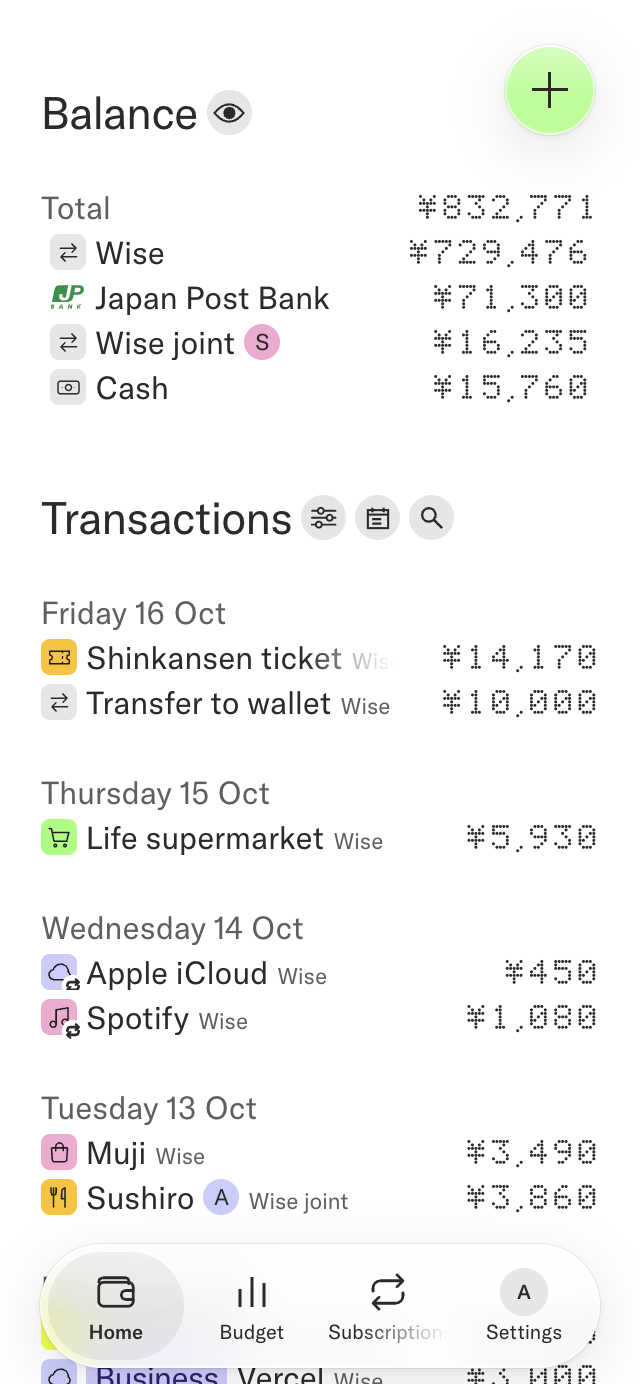
Find your way around
Home holds your balance, receipts and transactions. Budget is where you plan spending. Subscriptions brings recurring payments together.
On a phone, use the navigation at the bottom. On a wide computer screen, use the menu bar; in a narrower window, open the menu beside the page title. Your profile opens Settings.
Add your first receipt
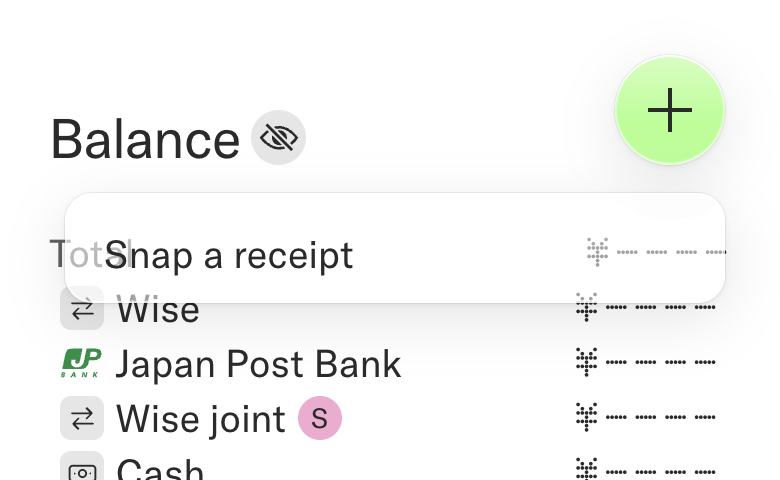
Open Home and choose Add receipt. On a phone, the plus opens Snap a receipt. You can also drop a receipt or statement onto Home.
When the reading finishes, open the payment and check its details. Add and review receipts.
See your accounts together
Open Settings and choose Accounts to see the balances Money has. General holds Currency: press the currency button, such as JPY, to move to the next choice.
Understand your total balance, or work with more than one currency.
Plan the next month
Open Budget to set planned amounts. Add a category with New category, or put a planned purchase under Up next.
The controls shown in these instructions are illustrations. Use them in Money to make a change.